
ColorDetect: Python Image processing algorithms

Pssst! You can find us on ProductHunt!

It's been a while since we touched on ColorDetect. Having taken an overview of what exactly we could achieve in the past, between getting colors from both images and video and in different formats and counts. We went ahead and described some of the use-cases of such a package, just to mention but a few.
In this piece, we highlight the improvements we have so far made, along with some notable contributors since the piece rolled out. Most notable, Clifford, whose algorithms have helped push from v1.1 ... to v1.4. Hurray Cliff! Let's get down with it.
In case you still haven't done so:
pip install ColorDetect
We'll take it from the new features and enhancements. Specifically, text customization and color segmentation (which, I realized, came in at just the right time) In the use of ColorDetect, we faced two to three challenges.
- We now have the ability to get the colors off media files, but we want this text in a customizable format. The ability to have our own font and or styling to this text. This comes in handy especially in instances where we have a dark image. We cannot write black text on this and still maintain readability now, can we?
- Hey there, what does an RGB code
5.0, 211.0, 212.0even mean? Can the algorithm give me a more friendly color to decipher? - Okay great, I can get the percentage colors and dominance off the files I have, but can I tell what this color code or percentage refers to on the image? Can I mark the image to make it visible without guessing?
These, among others, are what we got to tackle. Let's do a quick overview of each.
To start with, In our virtual environment, we create a file custom_styling.py, and write our colors and text differently, from the defacto configurations.
For this, we will use virginia lackinger's photo on Unsplash
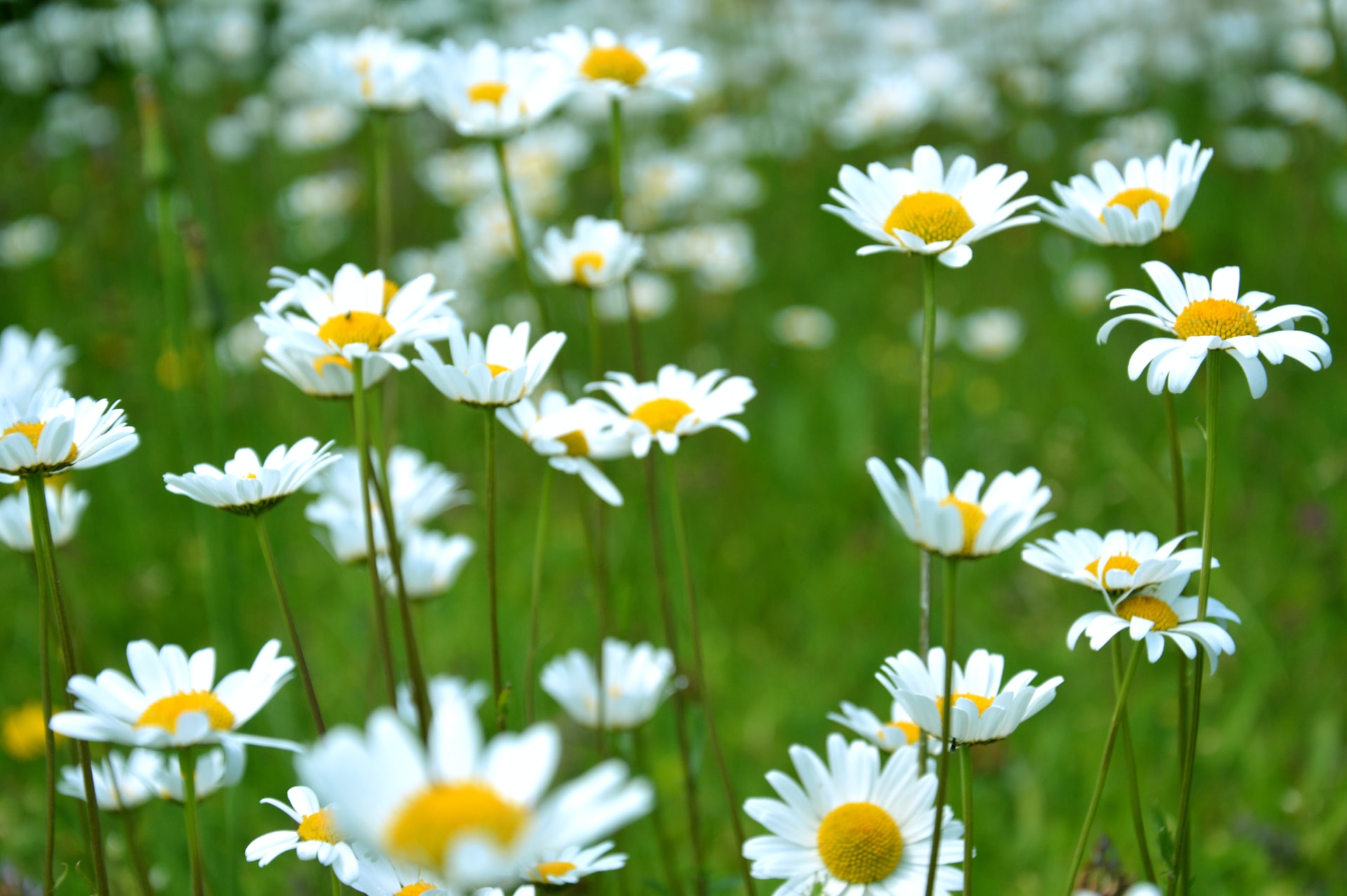
from colordetect import ColorDetect

# parse the image.
flowers = ColorDetect('./images/flowers.jpg')

flowers.get_color_count(color_format="human_readable")

flowers.write_color_count(top_margin=40)

flowers.save_image(location='./images', file_name='processed-human-image.jpg')
The output you might ask?
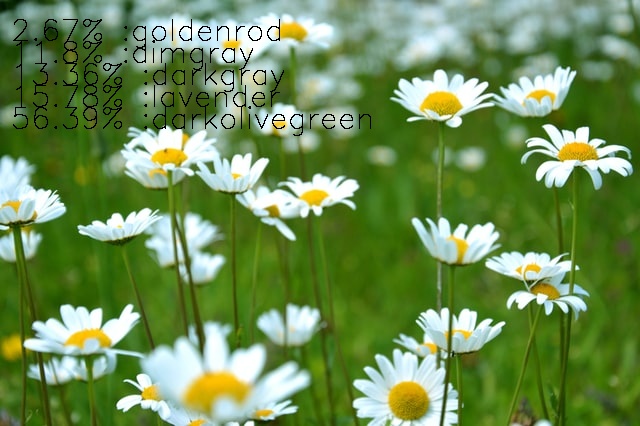
A human-readable color display. We gave some space between the text and top section of the image, as well as implicitly clarify that we want a human-friendly color format for the output. We may go further into specification of the font color to write in by parsing font_color=(0,255, 0) (for green), for instance, to the method write_color_count. Along with this, comes the font_size, font_thickness, line_type and left_margin, among other configurable options.
Let's take a look at how we separate our colors from the image. With this, we refer to color segmentation. How do we tell which sections, no matter how small, from the given image, are color XYZ?
We parse in the color ranges we want to grab.
import cv2
from colordetect import ColorDetect

# parse the image.
flowers = ColorDetect('./images/flowers.jpg')

# provide a lower and upper range for our target colors
monochromatic, gray, segmented, mask = flowers.get_segmented_image(lower_bound=(20,50,50), upper_bound=(40,255,255))

cv2.imshow('Segmented', segmented)
cv2.imshow('monochromatic', monochromatic)
cv2.imshow('mask image', mask)
cv2.imshow('grey image', gray)
cv2.waitKey(0)
You get four results. For brevity, we show three, assuming you know what gray looks like in an image; more of black and white.
Segmented image
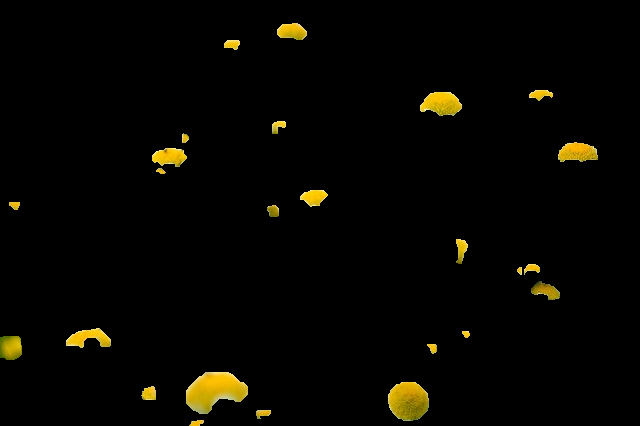
masked image
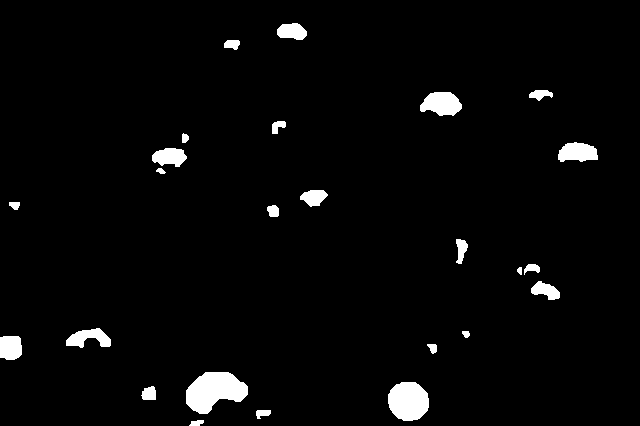
monochromatic
Just highlight the color I need. Turn the rest of the image into black white
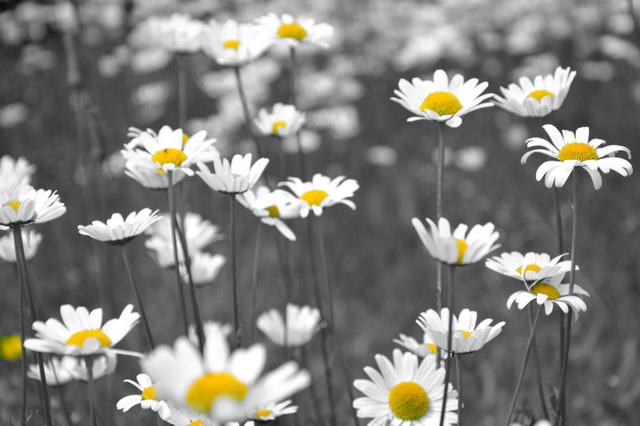
Yatza! It works!
As of now, we have color codes of the images, in the format we want, and a return of images with our target color-highlighted. The same could be applied to videos, without the segmentation and one or two features, for now.
A call to action
We, however, know that much more could be achieved; and that is why we have a call to action. What features would you want to be implemented? What bug did you find?
For one, we need more tests. Do you feel an aspect of the codebase has not undergone sufficient testing? Let it be known. Get the ColorDetect repo, take a look at the contribution guidelines and make a pull.
We can leave it here for a while. Do feel free to go through the documentation as we update it with one or two features down the road.
As for this articles code, we have it on TheGreenCode's page
About the author
- Senior Backend Engineer | Distributed Systems & Platform Engineering
Comments
Join the discussionNo comments yet. Be the first to comment.


